
Green and Advanced Modes
Your Metabones Speed Booster / Smart Adapter II / Smart Adapter III has two different operation modes. Each mode supports a different set of features. You select the operation mode when you mount the lens. The following tables summarize the differences between the two operation modes.
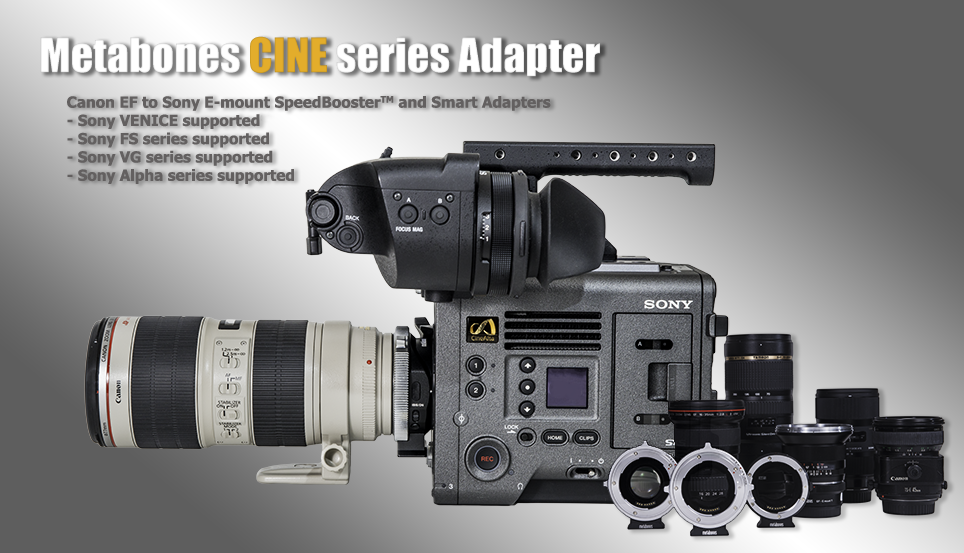
If you use a camera in camcorder form-factor, such as the FS series and the VG series,
| Green Mode | Advanced Mode |
|
Autofocus (photo mode only for FS series) |
Zoom position (W-T) indicator Distance information display Auto-iris |
If you use a camera in still-camera form-factor, such as NEX-7, NEX-5 series and NEX-3 series,
| Green Mode | Advanced Mode |
| Autofocus | Auto magnify manual focus assist |
| Stop down when you fire the shutter | Stop down as you turn the aperture dial |
| No DOF preview | Always DOF preview; override with wide-open button |
|
Lower power consumption |
Higher power consumption |
IMPORTANT: do not use Advanced Manual Focus Mode if your NEX-7 has camera firmware 1.01.
In Green Mode, battery power is conserved by reduced aperture diaphragm movements and image stabilization (if the lens is so equipped) operation. The aperture diaphragm will not stop down until the shutter release is fully depressed or the movie capture button is depressed. In Green Mode, image stabilization is not activated until the shutter release button is half-pressed or movie capture begins.
Green mode is activated by default for Smart Adapter II equipped with firmware version 14 or above. Advanced Mode is the default for previous firmware versions. Green mode is also the default for Speed Booster and Smart Adapter III
Choose the other operation mode by first turning on the power of your Sony NEX camera and either
-
attach the Metabones Smart Adapter onto the Sony NEX camera body first, and then while depressing the Wide-Open button of the Smart Adapter, attach the Canon EF mount lens onto the Smart Adapter, or
-
attach the Canon EF mount lens onto the Metabones Smart Adapter first, and then while depressing the Wide-Open button of the Smart Adapter, attach the Smart Adapter onto the Sony NEX camera body.
Note that the following functions are not available in Green Mode.
-
Auto-Magnify MF Assist while turning the focusing ring (MF Assist can still be actuated manually).
-
Wide-Open button (however this button is still supported on a NEX camera body in camcorder form factor, such as NEX-VG series camcorders).
-
Distance and zoom position displays on a NEX camera body in camcorder form factor.
The operation mode is reset to default when either the Smart Adapter or the Canon EF mount lens is detached.
Green Mode may be unavailable on early NEX camera bodies (NEX-5, NEX-3, NEX-VG10, NEX-C3).
Green Mode is not available on a first-generation Metabones Smart Adapter, which can be identified as having a small rectangular opening in the middle. A second-generation (Mark II) Metabones Smart Adapter with Green Mode has a round opening in the middle. A third generation (Mark III) Metabones Smart adapter is also equipped with Green Mode. It has a rectangular opening of the same size as "full-frame".