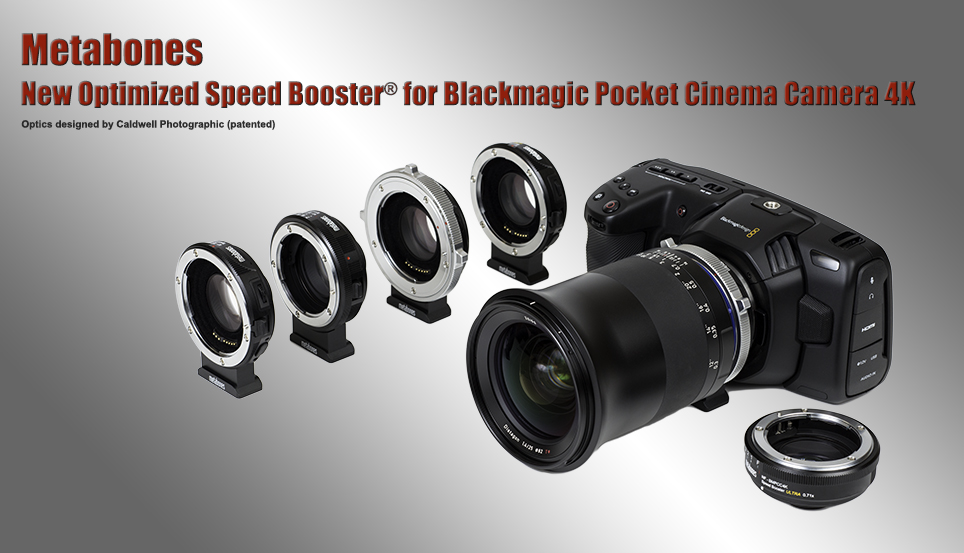
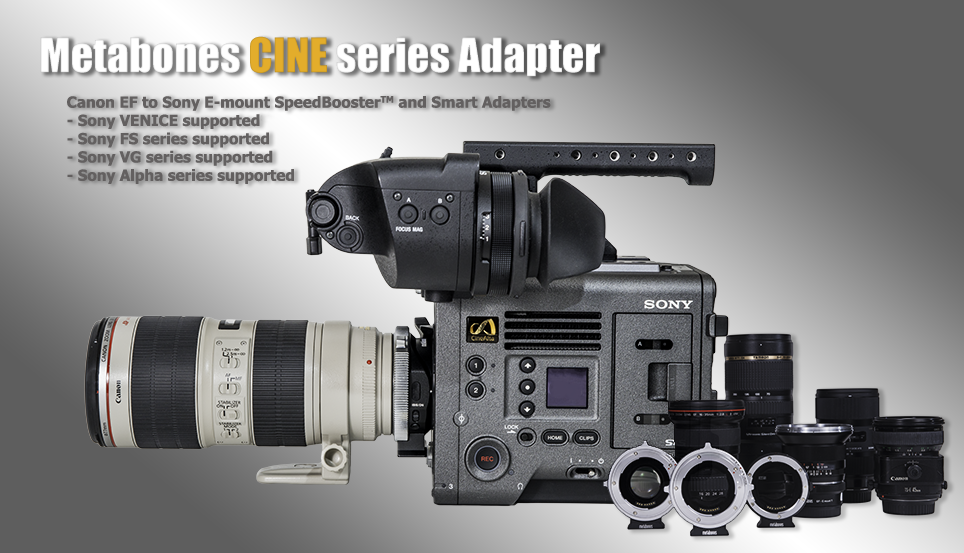

Canon EF Lens to Sony NEX Smart Adapter
Dear Patron, despite our best efforts ramping up production we still have an issue with demand outstripping supply. Please click the 'Notify' button above and add your email address to our waiting list. We appreciate your patience in the meantime.
Your PayPal receipt is your order confirmation. There is no separate email confirmation until shipment takes place.
This Smart AdapterTM has the following features:
- True electronic integration of aperture diaphragm - let camera automatically choose aperture in P or S exposure modes, or dial in yourself on the camera body in A or M modes.
- Powered by camera body. No external power source required.
- Wide open button (opposite of depth-of-field preview function) makes manual focusing easy.
Disclaimer: we are NOT licensed, approved or endorsed by Sony or Canon. This product is developed independently without any involvement of Sony or Canon.
Compatibility
| Supported | Not supported |
|
EF lenses (see below for list of tested lenses) EF-S lenses (see note 1) Image stabilization (IS) (see note 2) Electronic manual focusing (e.g. EF 85/1.2L II and discontinued EF 50/1.0L) EXIF (focal length, aperture, zoom range) P, A, S, M exposure modes Contax N mount lenses modified to Canon EF by Conurus (see note 3) Contax 645 NAM-1 adapter modified to Canon EF by Conurus Sigma, Tamron and Tokina lenses in Canon EF mount (see note 4) Manual focus lenses adapted to Canon EF mount ('chipped' or 'AF confirm' adapters are not officially supported) |
Autofocus Lens correction such as peripheral shading, CA and distortion |
Note:
- Vignetting at corners may occur for certain EF-S lenses because they are designed to cover a 1.6x crop image circle but Sony NEX has a 1.5x crop sensor.
- Image Stabilization lens requires adapter firmware version 02 or above. After flipping the IS on/off switch on the lens, you may need to press the WO button on the Smart Adapter for the change to take effect.
- A small percentage of samples of Contax N Planar 50/1.4 may be incompatible with NEX cameras.
- A third party zoom lens may need to be registered with the Smart Adapter first in order to detect its maximum aperture.
Tested Camera Bodies (Adapter Firmware Ver.01)
NEX-7
NEX-5N
NEX-FS100
NEX-VG10
NEX-5
NEX-3
NEX-VG20 (Adapter Firmware Ver.04)
Tested Lenses (Adapter Firmware Ver.02)
Metabones and Conurus have tested the following lenses.
|
Canon zooms |
Canon primes |
Contax N AF lenses modified by Conurus |
|
EF 16-35/2.8L USM EF 16-35/2.8L II USM EF 17-40/4L EF-S 17-55/2.8 IS USM EF-S 17-85/4-5.6 IS USM EF-S 18-55/3.5-5.6 EF-S 18-55/3.5-5.6 IS II EF-S 18-135/3.5-5.6 IS EF 22-55/4-5.6 EF 24-70/2.8L (I) EF 24-105/4L IS USM EF 28-70/3.5-4.5 II EF 28-80/3.5-5.6 II EF 28-135/3.5-5.6 IS USM EF 35-80/4-5.6 EF-S 55-250/4-5.6 IS EF 70-200/2.8L IS USM (I) EF 70-300/4-5.6L IS USM EF 70-300/4-5.6 DO IS USM EF 80-200/2.8L |
EF 14/2.8L EF 20/2.8 USM EF 24/2.8 (old version) EF 35/1.4L USM EF 50/1.4 USM EF 50/1.8 II EF 50/2.5 macro EF 85/1.2L II USM EF 85/1.8 USM TS-E 90/2.8 EF 100/2.8L IS USM macro EF 135/2L USM EF 180/2.8L macro EF 200/2.8L II USM EF 300/4L IS USM Extender EF 1.4x III (see note 2) Extender EF 2x (I) (see note 2) |
Vario-Sonnar 24-85/3.5-4.5 Vario-Sonnar 28-80/3.5-5.6 Planar 50/1.4 (see note) Planar 85/1.4 Makro-Sonnar 100/2.8 NAM-1 adapter (see note 3) |
|
Sigma |
Tokina |
Zeiss |
|
17-35/2.8-4 EX HSM ASPH 18-125/3.5-5.6 DC OS HSM 24-70/2.8 EX HSM |
AF 28-80/3.5-5.6 |
ZE Distagon 21/2.8 |
Additionally, customers have reported success with the following lenses. Thanks for your tests!
|
Canon zooms |
Canon primes |
Sigma |
|
EF-S 10-22/3.5-4.5 USM EF 70-200/2.8L IS USM II |
TS-E 24/3.5L TS-E 45/2.8 EF 50/1.0L EF 50mmF1.2L MP-E 65/2.8 macro EF 400/5.6L USM |
24-70/2.8 EX DG HSM 30/1.4 HSM 50/2.8 DG Macro 50/1.4 100-300/4 |
|
Tamron |
Tokina |
Zeiss |
|
18-270/4.5-6.3 VC SP 28-75/2.8 |
AT-X 11-16/2.8 AT-X Pro 28-70/2.8 |
ZE Makro-Planar 50/2 |
Note:
- Lenses not listed above are not tested and they may or may not work. We do our best to resolve any compatibility issue you find but firmware updates are by factory service only and there will be a nominal shipping charge for all future updates. (Free shipping for all firmware updates to Ver.02 and we will even reimburse you on return shipping charge.)
- Mount lens on EF Extender 1.4x or 2x first before attaching both on Metabones Smart Adapter.
- Mount Contax 645 lens on modified NAM-1 first before attaching both on Metabones Smart Adapter.
- Some samples of Contax N Planar 50/1.4 may be incompatible with NEX cameras.
Why Metabones?
Since its inception, Metabones has been designing and manufacturing lens adapters recognized among professionals and enthusiasts as leaders in design and workmanship.
Contrary to the popular trend of other factories using an aluminum ring painted black on the camera-body-side, we instead take no short-cut but use precision-machined brass with chromium plating on both the camera-body and the lens sides of our adapters, in order to ensure smooth mounting, great appearance, and durability. The lens side of the adapter features a strong leaf-spring structure, strengthening the adapter-lens connection and ensuring tightness of the lens in order to reduce wear and prevent focus errors and optical alignment issues from appearing.
Metabones uses matte-black treatment to keep internal reflection to a minimum in order to maintain the maximum optical quality possible with the lens.
Metabones Canon EF Lens to Sony NEX Smart Adapter follows this tradition of uncompromising precision, robust build quality and outstanding finish.
Features
- Both camera-side and lens-side of the adapter are made of brass, precision-machined and plated with chromium.
- Satin surface finish - just like your OEM lens and camera mounts.
- Precise fit and solid connection - lens has no play, gap or wiggling when mounted on adapter and no adjustments are required to fit your lens.
- Designed to reach infinity focus while maintaining the correct registration distance required to maintain optical quality of CRC lenses or lenses with floating elements.